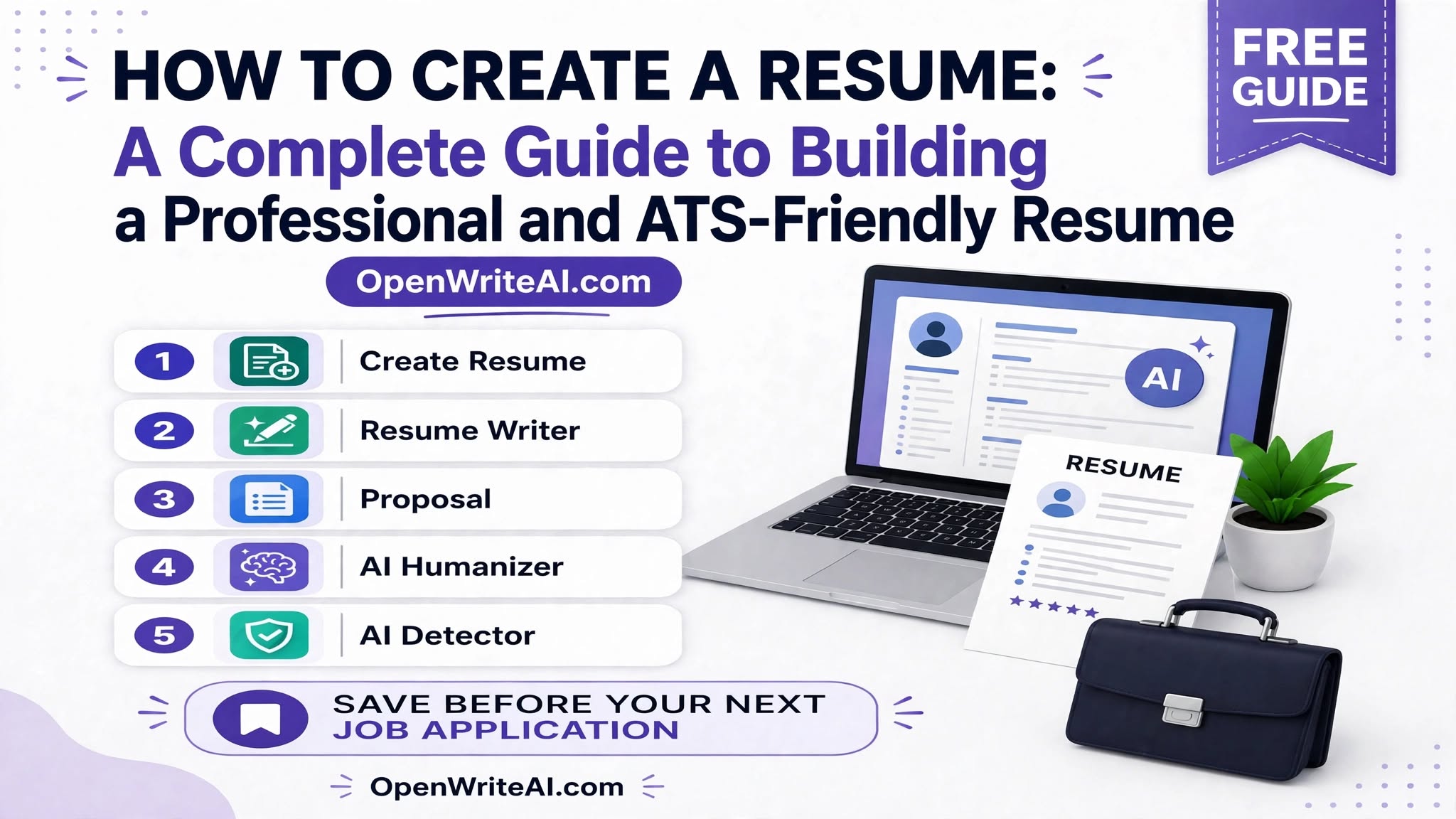
How to Create a Resume: A Complete Guide to Building a Professional and ATS-Friendly Resume
Ali Hassan
Author
Creating a strong resume is an important step when applying for jobs, internships, freelance opportunities, and career positions. Your resume gives employers a quick overview of your skills, experience, education, and professional background. A well-structured resume can also help you make a strong first impression.
If you are wondering How to Create a Resume, this guide will walk you through the essential steps. You will learn how to structure your resume, write a professional summary, list your skills, highlight your experience, and create a resume that is easy for both recruiters and Applicant Tracking Systems (ATS) to understand.
Why Is a Well-Created Resume Important?
A resume is more than a list of your previous jobs. It is a professional document that presents your qualifications and explains why you may be suitable for a particular position.
A strong resume should be clear, relevant, easy to read, and customized for the job you are applying for. Instead of including every detail about your background, focus on information that is relevant to the position.
Your resume can help employers quickly understand your professional profile, including your experience, technical abilities, education, achievements, and important skills.
How to Create a Resume Step by Step
Learning How to Create a Resume becomes easier when you follow a clear structure. A typical professional resume includes several important sections.
1. Add Your Contact Information
Start your resume with your basic contact information. This section should be easy to find at the top of the document.
- Full name
- Phone number
- Professional email address
- City and country
- LinkedIn profile, if relevant
- Professional portfolio or website, if applicable
Use a professional email address and make sure all contact details are accurate before submitting your resume.
2. Write a Strong Professional Summary
A professional summary is a short introduction that explains who you are, what you do, and what value you can bring to an organization.
Keep your summary focused on your most relevant qualifications. If you have experience, mention your area of expertise and important accomplishments. If you are a student or beginner, focus on your education, skills, projects, and career goals.
3. Add Your Work Experience
List your relevant work experience in reverse chronological order, starting with your most recent position.
For each position, include your job title, company name, employment dates, and several bullet points describing your responsibilities and achievements.
Whenever possible, describe measurable results instead of simply listing tasks. For example, instead of saying that you "managed social media," you could explain how you created content, improved engagement, or supported a marketing campaign.
4. Include Your Education
Add your educational background after your experience section or place it higher if you are a recent graduate with limited work experience.
Include your degree or qualification, institution, location, and graduation year or expected graduation date when appropriate.
How to List Skills on a Resume
Knowing How to List Skills on a Resume is important because recruiters often scan this section to quickly identify relevant abilities.
Start by reviewing the job description and identifying skills that genuinely match your background. Then organize your skills into relevant categories.
Examples of Resume Skills
- Communication
- Project management
- Content writing
- Digital marketing
- Microsoft Office
- Data analysis
- Graphic design
- Customer service
- Research
- Problem-solving
Try to balance hard skills and soft skills. Hard skills are specific technical abilities, while soft skills include communication, teamwork, organization, and problem-solving.
Avoid adding skills simply because they appear in a job description. Only include skills you actually possess and can support through your experience, education, projects, or other evidence.
How to Make a Resume With No Experience
Many students, graduates, and career beginners ask How to Make a Resume With No Experience. The good news is that you do not need years of employment history to create a useful resume.
If you have limited professional experience, focus on your education, skills, projects, internships, certifications, volunteer work, academic achievements, and relevant activities.
What to Include on a Resume With No Experience
- Contact information
- Professional or career objective
- Education
- Relevant skills
- Academic or personal projects
- Internships
- Certifications
- Volunteer experience
- Relevant achievements
For example, if you are applying for a content writing position but have never worked professionally, you can include writing projects, university assignments, personal blogs, or freelance samples that demonstrate your abilities.
How to Make a Resume With No Experience: Practical Tips
When learning how to make a resume with no experience, your goal should be to demonstrate potential rather than trying to hide your lack of employment history.
Use a clear professional summary that explains your career interests and strengths. Highlight relevant skills and projects, and describe what you accomplished rather than simply stating that you participated in something.
You can also create a small portfolio of relevant work. For example, aspiring designers can showcase design projects, while writers can provide writing samples.
How to Create a Professional Resume
If you want to understand how to create a professional resume, focus on both content and presentation. A professional resume should be easy to scan and should communicate important information quickly.
Keep the Design Simple
Use a clean layout with consistent headings, spacing, and typography. Avoid excessive graphics, complicated tables, decorative fonts, and unnecessary design elements, especially when applying through online job portals.
Use Strong Action Words
Use specific action verbs when describing your experience. Words such as "managed," "created," "developed," "analyzed," "implemented," and "improved" can make descriptions clearer and more results-oriented.
Customize Your Resume
One resume does not necessarily work equally well for every job. Customize your professional summary, skills, and experience descriptions based on the requirements of the position.
Customization also helps you focus on the qualifications that are most relevant to each employer.
How to Create an ATS Friendly Resume
Many companies use Applicant Tracking Systems to organize and screen job applications. Learning how to create an ats friendly resume can help ensure your information is presented in a format that these systems can process more easily.
Use Standard Section Headings
Use familiar headings such as Summary, Work Experience, Education, and Skills. Clear headings make your resume easier to understand for both software and recruiters.
Use Relevant Keywords
Review the job description and identify relevant skills, qualifications, tools, and job-specific terminology. If those terms genuinely describe your experience, use them naturally throughout your resume.
Avoid Complicated Formatting
Keep the layout straightforward. Excessive graphics, unusual fonts, complex columns, and decorative elements can sometimes make resume information more difficult for automated systems to interpret.
Proofread Your Resume
Spelling and grammar mistakes can make your resume look less professional. Carefully review your resume before submitting it and make sure names, dates, job titles, and contact information are correct.
Using a Free AI Resume Builder
A free ai resume builder can make the resume creation process faster, especially if you are unsure how to structure your document or write professional descriptions.
AI-powered resume tools can help users organize information, improve wording, generate professional sections, and create a structured resume based on their background.
However, you should always review AI-generated content before using it. Make sure every statement is accurate and reflects your real qualifications and experience.
Common Resume Mistakes to Avoid
Even a well-qualified candidate can weaken their application by submitting a poorly structured resume. Avoid these common mistakes:
- Using an unprofessional email address
- Including irrelevant information
- Writing long paragraphs instead of concise bullet points
- Using too many fonts or colors
- Adding skills you do not actually possess
- Using the same resume for every position without customization
- Including spelling or grammar mistakes
- Using complicated formatting that reduces readability
- Adding outdated or unnecessary information
Resume Checklist Before Applying
Before sending your resume to an employer, use this quick checklist:
- Is your contact information correct?
- Does your summary clearly describe your professional profile?
- Are your most relevant skills easy to find?
- Have you included relevant experience, projects, or education?
- Is your resume customized for the job?
- Does the document have a clean and readable format?
- Have you checked spelling and grammar?
- Is the resume easy to scan?
- Does the format work well for online applications?
Final Thoughts
Creating a resume does not have to be difficult when you follow a clear structure. Start with your contact information, write a focused summary, highlight relevant experience and education, and clearly present your skills.
If you have no professional experience, focus on your education, projects, certifications, internships, achievements, and transferable skills. If you are applying through online platforms, pay attention to simple formatting and relevant job-description keywords to create an ATS-friendly resume.
Whether you create your resume manually or use a free ai resume builder, always review the final document carefully. Your resume should be accurate, professional, easy to read, and tailored to the opportunity you are applying for.
Stay Ahead of the Competition
Join 5,000+ freelancers and job seekers. Get exclusive tips on AI writing, ATS optimization, and winning proposals delivered to your inbox.
Comments (0)
Please sign in to leave a comment.