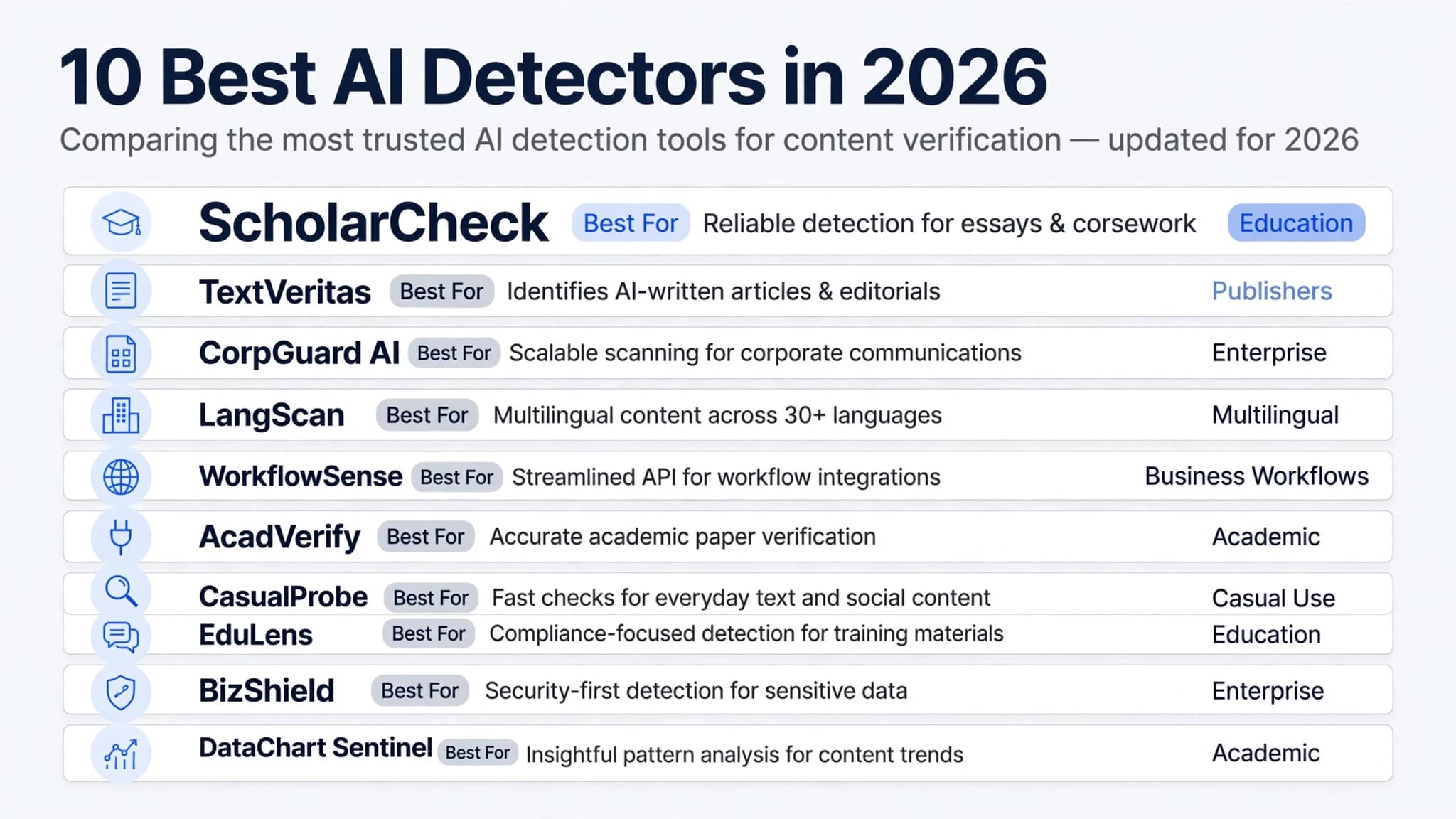
How to Create a Resume: A Step-by-Step Guide
Creating a resume does not have to be complicated. A strong resume presents your skills, experience, education, and achievements in a clear format that helps employers understand why you are a suitable candidate.
Whether you are applying for your first job, changing careers, or looking for a new opportunity, this guide explains how to create a resume step by step. You will learn how to choose a format, write effective bullet points, tailor your resume to a job description, and use a free template to get started.
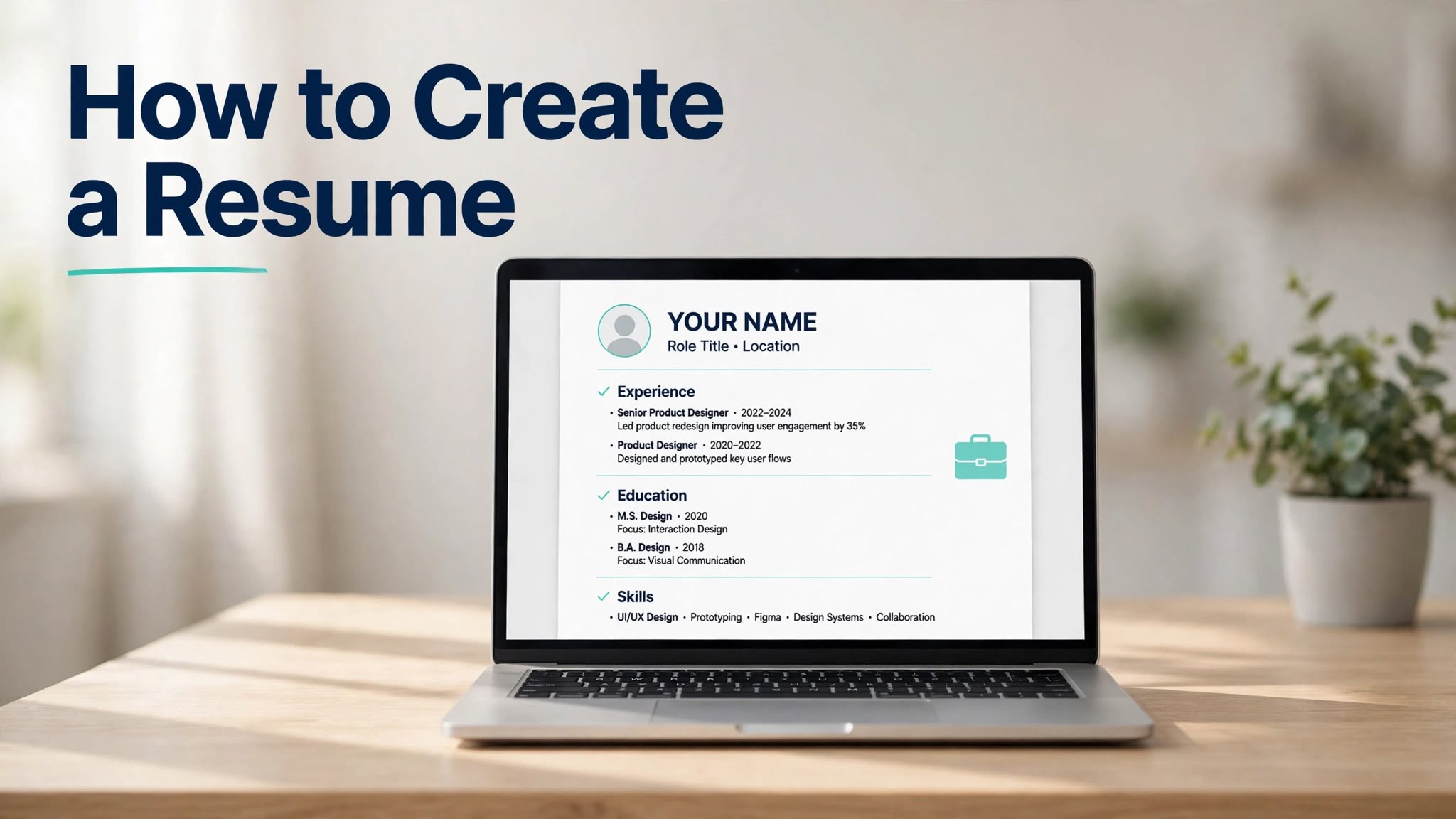
If you want help getting started, you can also try the OpenWriterAI Resume Builder to work on your resume online.
How Do You Create a Resume?
To create a resume, choose a suitable format, gather your professional information, write each section, and customize the document for the job you want. Before submitting it, check the content for accuracy and make sure the formatting is easy to read.
- Choose the right resume format.
- Gather your contact information, work history, education, and skills.
- Write a professional summary and achievement-focused bullet points.
- Tailor your resume to the job description.
- Use clear headings and readable formatting.
- Proofread and save your final resume in the requested file format.
Step 1: Choose the Right Resume Format
The best resume format depends on your experience and career goals. Most applicants can start with one of three common formats.
Reverse-Chronological Resume
This format lists your most recent job first, followed by earlier positions. It works well for people with a consistent work history and relevant professional experience.
Functional Resume
A functional resume emphasizes skills rather than presenting work history as the main focus. It may be useful in some circumstances, such as when you have limited experience, but some employers prefer to see a clear employment timeline.
Combination Resume
A combination resume highlights relevant skills while also providing a chronological employment history. It can suit applicants who want to demonstrate specific strengths alongside their experience.
Practical tip: If you are unsure which format to use, a straightforward reverse-chronological layout is a sensible starting point for many job applications.
Step 2: Gather Your Resume Information
Before writing, collect the details you need. Preparing this information first makes it easier to create a consistent resume without repeatedly searching for dates, job titles, or qualifications.
- Contact information: Your name, phone number, professional email address, and relevant LinkedIn profile or portfolio.
- Work experience: Job titles, employers, employment dates, responsibilities, and achievements.
- Education: Degrees, institutions, graduation dates when relevant, and other relevant qualifications.
- Skills: Technical abilities, software knowledge, languages, and job-related transferable skills.
- Certifications: Relevant licenses, certificates, or professional training.
- Projects: Relevant personal, academic, volunteer, or professional projects that demonstrate your abilities.
For a typical U.S. private-sector resume, you generally do not need to include sensitive personal details such as your Social Security number, marital status, or date of birth. Include only information relevant to the application.
Step 3: Write Each Resume Section
Once your information is ready, organize it into clear sections. Use concise language and focus on details that demonstrate your suitability for the role.
Contact Information
Place your name and contact details near the top of the resume. Use a professional email address and check that your phone number and links are correct.
Professional Summary
A professional summary is a short introduction that highlights your relevant experience, skills, and career focus. It should be specific to the position rather than a generic statement.
Example: “Customer service professional with experience resolving customer inquiries, maintaining accurate records, and supporting daily operations. Skilled in communication, problem-solving, and team collaboration.”
Only use statements that accurately reflect your background. If you are applying for an entry-level role, you can focus on your education, transferable skills, relevant projects, or volunteer experience instead.
Work Experience
For each position, include your job title, employer, dates, and a few concise bullet points describing your work. Where possible, show what you accomplished rather than listing routine duties alone.
Start bullet points with clear action verbs such as managed, created, organized, improved, supported, analyzed, or coordinated. Add figures when you have accurate information to support them.
Education and Skills
List relevant education and qualifications clearly. Your skills section should prioritize abilities that match the role, rather than including every skill you have ever used.
For students and recent graduates, relevant coursework, academic projects, internships, and volunteer activities can help demonstrate experience when a long employment history is not available.
Step 4: Tailor Your Resume to the Job Description
A resume is more useful when it reflects the specific job you are applying for. Read the job description carefully and identify the required skills, responsibilities, qualifications, and tools mentioned by the employer.
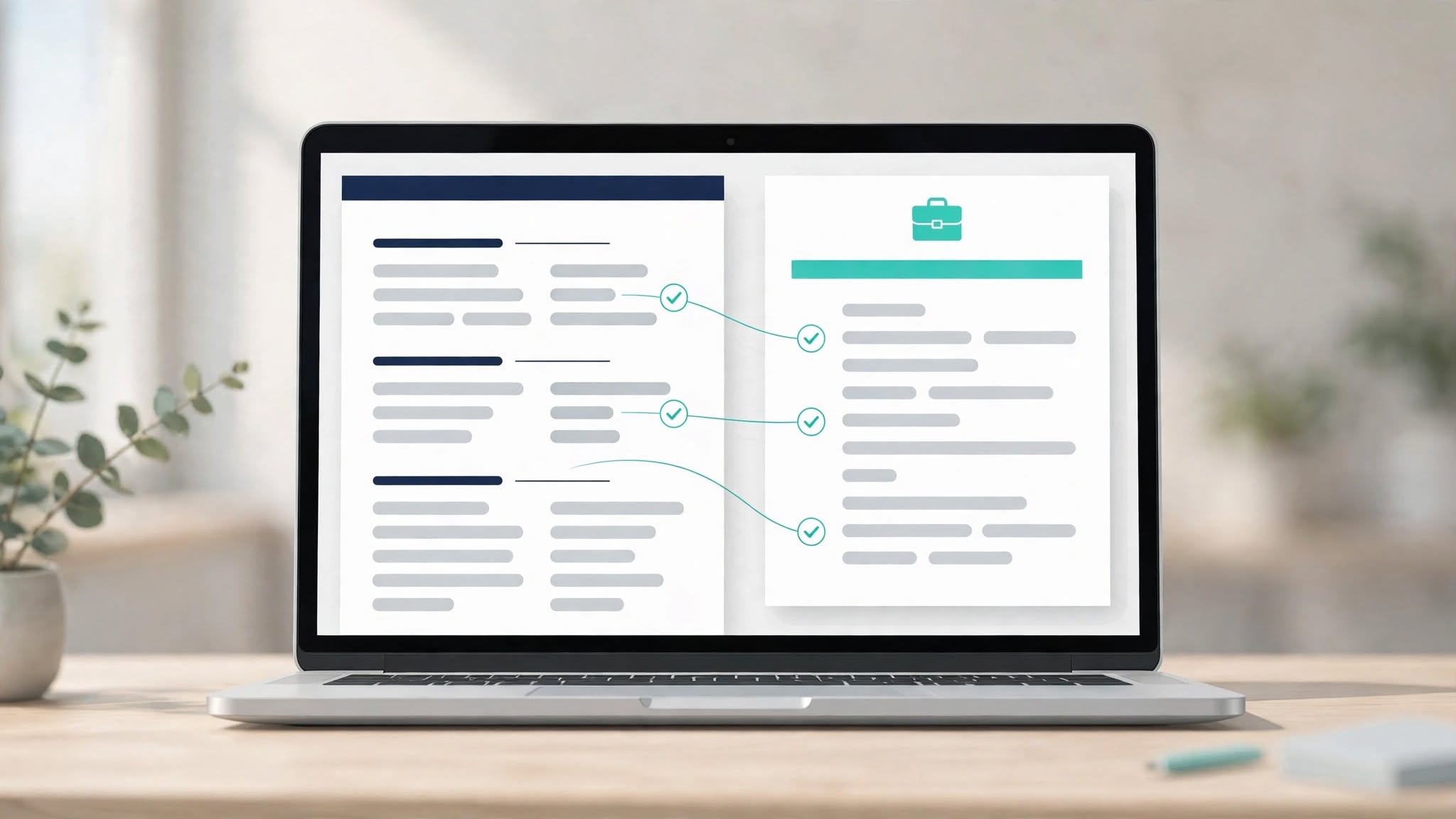
Follow this simple process to make your resume more relevant:
- Identify a requirement: Find a skill or responsibility emphasized in the job posting.
- Find your evidence: Identify a real example from work, education, volunteering, or a project.
- Write a clear bullet: Explain what you did and the result, where you can support it with facts.
- Check accuracy: Make sure the wording describes your actual experience and does not exaggerate your qualifications.
For example, if a position emphasizes customer communication, highlight a genuine experience in which you answered inquiries, explained information, or helped resolve a customer problem.
Use relevant terminology from the job posting when it accurately describes your experience. Do not add skills you do not possess simply because they appear in the listing.
For additional guidance, read the U.S. Department of Labor's tips for writing a federal resume. For federal applications specifically, review the current USAJOBS resume requirements. Federal application rules can differ from private-sector expectations.
Step 5: Make Your Resume Easy to Read
Good formatting helps readers find important information quickly. A resume can look attractive without using complicated layouts or excessive decoration.
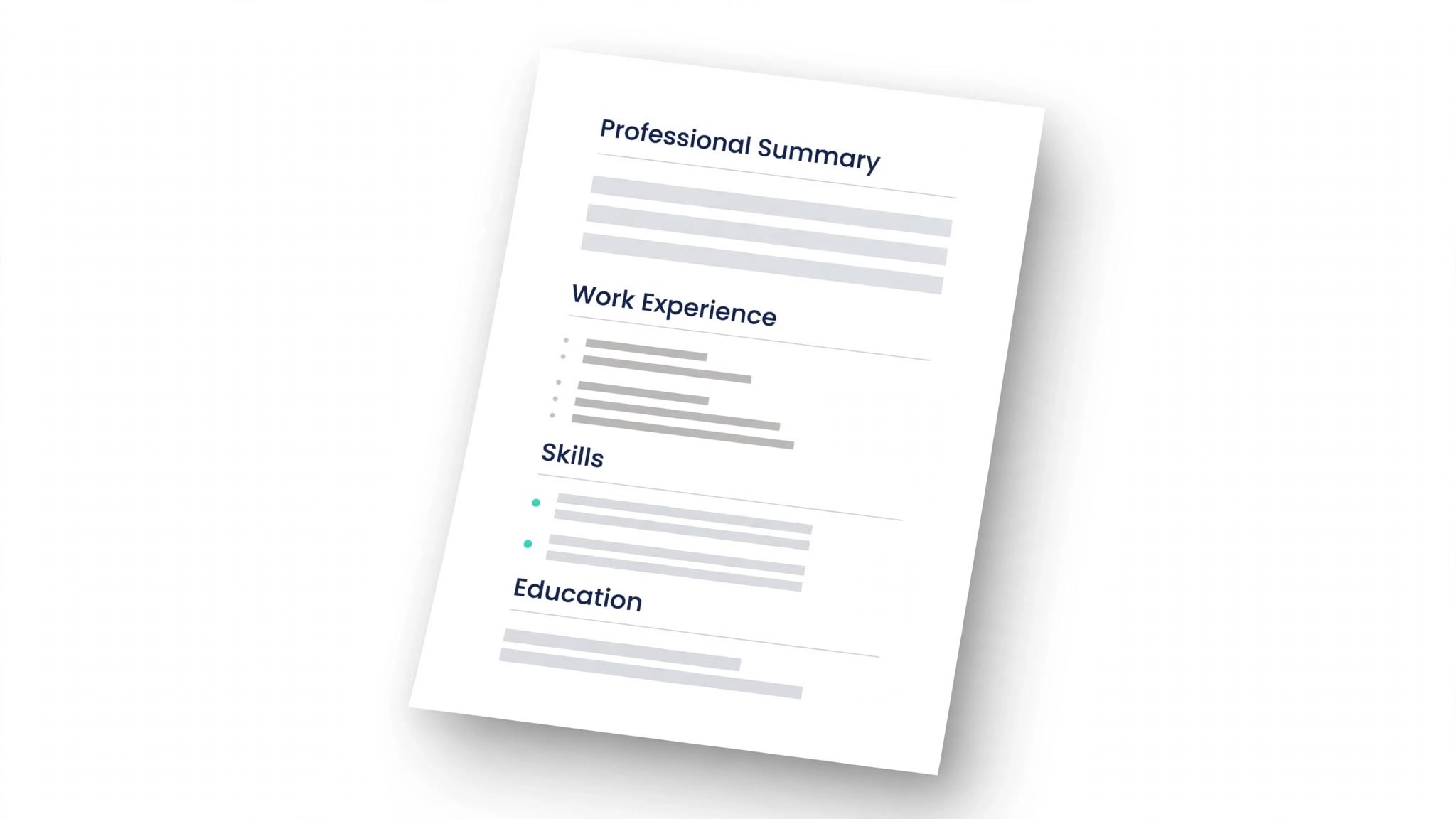
- Use clear headings such as Summary, Experience, Education, and Skills.
- Choose a readable font and consistent font sizes.
- Keep spacing, dates, bullet points, and margins consistent.
- Use short paragraphs and concise bullet points.
- Avoid unnecessary graphics, elaborate tables, or text boxes that may make information harder for some applicant-tracking systems to parse.
- Check that your phone number, email address, and links are correct.
Applicant-tracking systems vary, so no particular template can guarantee that a resume will pass every system. A clear structure, relevant wording, and accurate information are sensible choices.
Step 6: Create a Resume Online for Free
You do not need to start with an expensive tool to create a resume. The right option depends on how much formatting help you want and whether you prefer to build the document yourself.
- Word processor: Write and format your resume in a document editor.
- Resume template: Start with a pre-designed layout and replace the sample content with your information.
- Online resume builder: Use guided sections to organize your experience, skills, and education.
- AI writing assistance: Get help drafting or improving wording, then review every suggestion for accuracy.
If you want to build your resume online, visit the OpenWriterAI AI Resume Builder. Review the available options and confirm the current plan and export details before creating your final document.
AI can help you organize information and improve clarity, but it cannot verify every detail of your career history. Check all generated content and remove any claims, qualifications, or achievements that are not true.
A Free Resume Template You Can Copy
Use the following structure as a starting point. Replace the placeholders with your own details and remove sections that do not apply to your experience.
YOUR FULL NAME
City, State | Phone Number | Professional Email
LinkedIn Profile or Portfolio URL

PROFESSIONAL SUMMARY
A brief introduction highlighting your relevant experience,
key skills, and career focus.

SKILLS
- Relevant skill one
- Relevant skill two
- Relevant skill three

WORK EXPERIENCE
Job Title | Company Name
Month Year – Month Year
- Describe a relevant responsibility or achievement.
- Explain a contribution using accurate, specific details.
- Include measurable results when you can verify them.

EDUCATION
Degree or Qualification | Institution
Graduation Year, if relevant

CERTIFICATIONS
- Certification Name | Issuing Organization

PROJECTS
Project Name
- Explain your contribution and the skills demonstrated.
If you have little or no formal work experience, move Education, Projects, or Relevant Experience higher on the page. You can include internships, volunteer work, academic projects, or other genuine examples that demonstrate useful skills.
Resume Bullet Points: Weak vs. Strong
Effective bullet points explain the work you performed and, where possible, the value or result of that work. The stronger examples below show how to add useful context without inventing statistics.
| Weak bullet | Stronger bullet |
|---|---|
| Responsible for customer service. | Responded to customer inquiries, explained product information, and helped resolve service issues. |
| Worked on social media. | Prepared social media content, maintained the posting schedule, and coordinated updates across channels. |
| Helped with office tasks. | Organized digital records, updated documents, and supported routine administrative work. |
| Managed projects. | Coordinated project tasks, tracked deadlines, and communicated progress to team members. |
Use the stronger examples only if they accurately describe what you did. If you have reliable measurements, such as processing times, sales totals, or project volumes, include them when they help explain your contribution.
Final Resume Checklist Before You Apply
Before submitting your application, review the following items:
- Your contact details are accurate and up to date.
- Your resume highlights qualifications relevant to the position.
- Your work history and education details are truthful.
- Your bullet points use clear, direct language.
- Your formatting and headings are consistent.
- You have checked spelling, grammar, dates, and links.
- You have followed the employer's requested file format and application instructions.
- Your saved file opens correctly and is easy to read.
Frequently Asked Questions
How can I create a resume for free?
You can create a resume with a word processor, a free template, or an online resume builder. Check whether the tool limits downloads, templates, or editing features before you begin.
How do I create a resume with no work experience?
Focus on your education, transferable skills, academic projects, internships, volunteering, and relevant activities. Use concrete examples to show what you can do, and avoid suggesting that you have professional experience you do not have.
How long should a resume be?
Resume length depends on your experience, industry, and the employer's instructions. Many applicants can present relevant information in one or two pages. Federal applications may have specific requirements, so always check the applicable guidance.
Should I use a resume template?
A template can save time and help maintain consistent formatting. Choose one with clear headings, readable text, and a straightforward layout, then customize the content to match your experience and the job.
Can AI create a resume for me?
AI can help draft a summary, organize information, and improve bullet points. You should provide accurate details, review every suggestion, and make sure the final resume represents your real skills and experience.
Should I save my resume as PDF or Word?
Follow the employer's instructions first. PDF can preserve the document's appearance, while Word documents may be requested when an editable file is needed. Check that your chosen format displays correctly before submitting it.
What is the best resume format for a first job?
A simple chronological or combination format can work well, depending on your background. If you have limited employment history, give greater prominence to relevant education, projects, skills, and internships.
Conclusion
Learning how to create a resume becomes easier when you break the task into manageable steps. Choose a suitable format, organize your information, describe your experience clearly, and tailor the final document to the job you want.
Before applying, review your resume for accuracy, readability, and relevance. If you want help getting started, explore the OpenWriterAI Resume Builder and create a draft you can review and customize.
You can find more writing resources in the OpenWriterAI blog.
Found this helpful?